Chapter Ring vs Rehaut: The Terms Explained
The Ring Inside the Crystal
Two terms that confuse nearly every beginner: chapter ring and rehaut. They look similar, serve different purposes, and sit in different places.
Chapter Ring
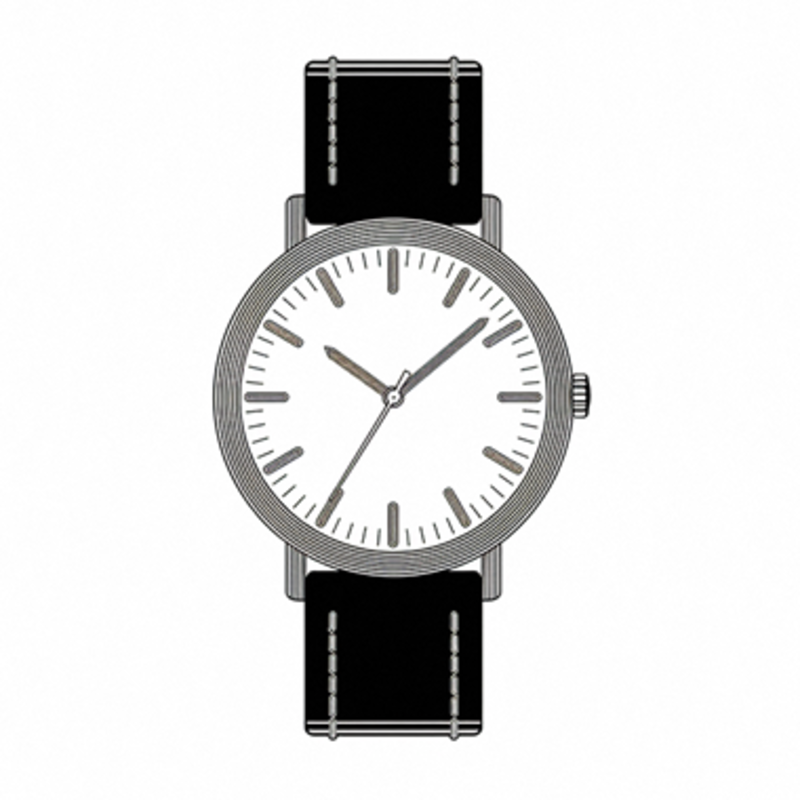
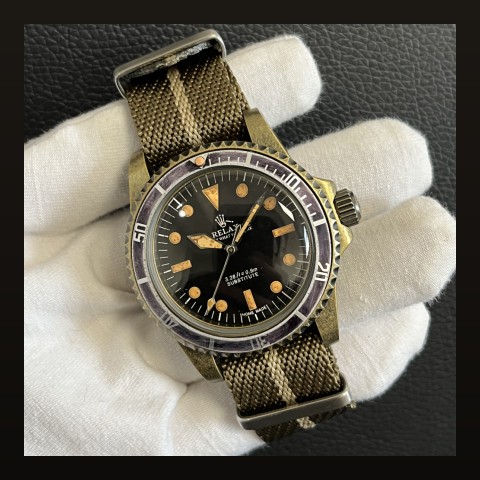
A separate ring mounted on the outer edge of the dial, typically decorated with minute markers, hour indices or timing scales. It sits between the dial and the crystal, creating a layered look.
- Function: additional time markings — minutes, seconds, tachymeter scales
- Visual effect: adds depth and complexity to the dial
- Found on: many dive watches and chronographs
Rehaut
The inner wall of the case between the dial and the crystal — essentially the vertical surface that bridges the two. Some brands engrave this surface with logos or text.
- Function: structural — holds the crystal at the correct height
- Decoration: some brands (notably Rolex) engrave the rehaut with brand name or serial numbers
- Visual effect: adds perceived depth when visible from an angle
The Difference
| Feature | Chapter Ring | Rehaut |
|---|---|---|
| Location | On the dial edge | Case inner wall |
| Material | Usually separate piece | Part of the case |
| Purpose | Additional markings | Structural + decorative |
| Visibility | Always visible | Visible at angles |
Why It Matters
Understanding these terms helps when reading specs, shopping online, or discussing watches with other enthusiasts. A "chapter ring misalignment" is a common quality complaint — the ring sits slightly off-center relative to the dial.
Frequently Asked Questions
Can I swap chapter rings?
On some watches, yes — it is a common mod. Others have integrated chapter rings that cannot be removed.
Does rehaut engraving affect value?
For brands that traditionally engrave (like Rolex), a missing rehaut engraving can indicate a replacement dial.
Where do our watches sit?
Most use chapter rings for timing scales. Check individual listings for details.