White Balance: Photographing True Colors
Author: Funny Items
Release time: 2026-08-25 22:19:23
View number: 12
True Colors in Photos
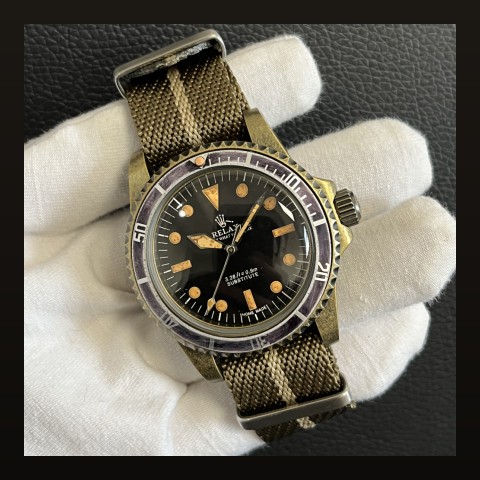
Your blue dial looks purple in photos — that's white balance failure. Here is how to fix it.
The Problem
- Mixed lighting: warm lamps + cool daylight = camera confusion
- Auto white balance guessing: cameras shift colors to "normalize" scenes
- Result: dials photographed in colors they've never worn
The Fixes
- Single light source: shoot near one window only — eliminates mixing at the source
- Lock white balance: phone pro modes allow manual WB; set it against a white paper in your actual light
- Gray card reference: include a gray card in one shot; correct all others to match it in editing
Verification Trick
Photograph next to something with known color — the box your watch shipped in, or printed brand material. If those shift too, it's your camera, not the dial.
Broader technique context in our photography guide; macro specifics in the macro guide.
Frequently Asked Questions
Should I correct in editing instead?
Light touch yes; heavy correction degrades image quality and can misrepresent the product you're showing.
Selling photos especially?
Absolutely critical there — buyers deserve true colors. See our sales shot list.
Related Guides From Funny Items
- Warm Lume: The Color Temperature Choice
- Listing Photos: Shoot to Sell
- Insert Colors: Pairing With Your Dial
- Lume Shots: Photographing the Glow
Keep reading: Watch Collecting: Quality vs Quantity